Holiday countdown timers are digital clocks that display the exact time remaining until a holiday or special event, updated live in days, hours, minutes, and seconds. Setting one up takes under a minute on most platforms. You pick your event date, customize the look, then share a link or embed code with anyone who wants to follow along. Trusted tools like TimeAndDate, Online-Stopwatch, and TickCounter each offer free creation with no account required.
The core steps are consistent across platforms:
- Select your target event and date
- Choose a visual theme, background, or animation
- Set your preferred time units (days, hours, minutes, seconds)
- Generate a shareable link or iframe embed code
- Send it to family, post it in a group chat, or drop it on a website
The payoff goes beyond novelty. A visible countdown turns an abstract future date into something you can watch approach, which builds real anticipation and helps groups coordinate plans well before the day arrives.
Which holidays work best with a countdown timer?
Nearly any fixed date benefits from a countdown, but certain occasions generate the most enthusiasm. Preconfigured templates with matching backgrounds make setup instant for the most popular events.
Major holidays and seasonal observances:
- Christmas and the full Advent season leading up to it
- Halloween, New Year's Eve, and New Year's Day
- Thanksgiving, Independence Day, and Labor Day
- Valentine's Day, Easter, and St. Patrick's Day
- Diwali, Day of the Dead, and other cultural celebrations
Personal and special-event milestones:
- Birthdays, weddings, and anniversaries
- Vacations, cruises, and road trips
- Graduations, retirement dates, and baby due dates
- Black Friday sales, product launches, and school breaks
The breadth of use cases explains why countdown tools have expanded well beyond the classic Christmas countdown clock. A family tracking a summer cruise and a teacher counting down to spring break are solving the same problem with the same type of tool.
What customization options do holiday countdown timers offer?
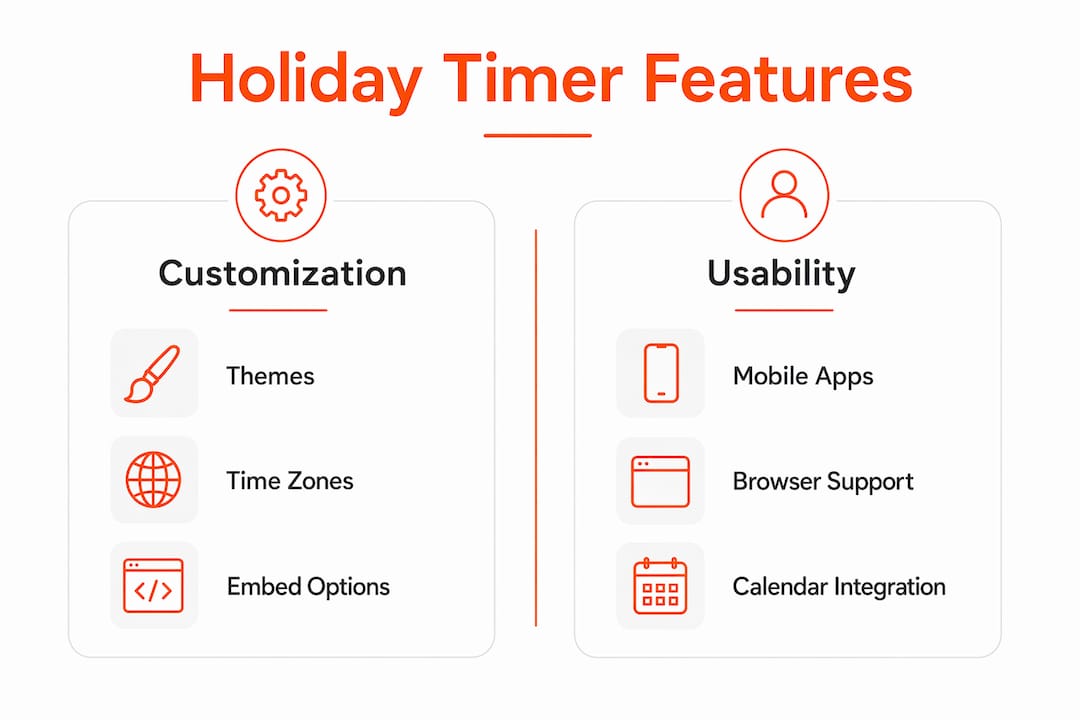
Most platforms give you meaningful control over both appearance and behavior, so the timer fits the occasion rather than looking generic.
Visual design options:
- Fonts, color palettes, and themed backgrounds (snowfall for Christmas, pumpkins for Halloween)
- Animation effects on the digits as they tick down
- Custom titles and subtitles (e.g., "Christmas at Grandma's" instead of just "Christmas")
Time display and behavior:
- Units: days only, days and hours, or the full days/hours/minutes/seconds view
- Weeks-and-days format, useful for longer countdowns like a vacation more than a month out
- Post-timer actions: hide the widget, show a custom message, or redirect to a new URL
Sharing and embedding:
- Shareable links that open live in any browser, no login needed
- iframe embed codes for websites, blogs, newsletters, and classroom pages
- Direct sharing to social platforms and one-click calendar saves (Google Calendar, Apple Calendar, Outlook)
Embedding via iframe is standard, but some site builders block cross-site iframes. Always preview the embed on your target platform before publishing.
Pro Tip: Lock your countdown to the event's time zone rather than relying on each viewer's local device setting. Time zone locking is the single most common fix for shared timers that show different times to people in different cities.
How people actually use holiday countdown timers
The scenarios range from solo anticipation to full group coordination.
- Personal motivation: Watching a vacation countdown tick down daily keeps the trip feeling real and encourages early packing and planning.
- Family coordination: A shared Christmas countdown link in a family group chat syncs everyone on gift deadlines, travel arrivals, and meal times.
- Classroom use: Teachers embed countdown timers on classroom display pages for holiday activities, school events, or end-of-term celebrations. The timers are shareable and customizable, so each class can have its own themed version.
- Event planning: Wedding countdowns, product launch timers, and Black Friday sale clocks all use the same mechanics, just pointed at different dates.
- Social sharing: Dropping a live festive countdown widget into a newsletter or social post generates engagement that a static date announcement rarely does.
The emotional value of a shared timer comes from making anticipation visible and collective, not from technical precision.
Mobile countdown options and what to know about browser timers

Native app widgets sit on your home screen or lock screen and update passively without you opening anything. That constant at-a-glance visibility is why mobile users tend to prefer them for ongoing event tracking. Apps in this category also typically add features like packing checklists and multi-event organization that basic web timers skip.
Browser-based timers are more flexible for sharing and embedding, but they carry one technical caveat: client-side JavaScript countdowns can pause or drift slightly when a browser tab goes inactive or a device enters sleep mode. For general holiday anticipation, that drift is irrelevant. For anything requiring exact triggering, a native app is the better choice.
If you enjoy pairing a countdown with a hands-on project, a cross stitch project time calculator can help you plan whether a handmade holiday gift will be finished before the big day.
How calendar integration and notifications extend countdown timers
Most countdown platforms let you export the target event directly to Google Calendar, Apple Calendar, or Outlook with one click. That calendar entry then triggers your phone's native reminders, so you get push notifications at intervals you set, without relying on the timer tab staying open.
Some tools generate an .ics file for universal calendar import. Others offer direct "Add to Calendar" buttons that pre-fill the event name, date, and time. Pairing a live countdown with a calendar reminder covers both the visual anticipation side and the practical scheduling side of holiday planning.
Tips for getting the most out of your countdown timer
- Set a meaningful milestone, not just the final date. A Christmas countdown that also marks "last day to order gifts" two weeks out gives you a planning anchor, not just a decoration.
- Share early. A New Year countdown shared in november builds more group momentum than one posted december 30.
- Match the display units to the timeline. Weeks-and-days works better for a vacation four months out; seconds become exciting only in the final hours.
- Pin the link. Save the countdown URL to your browser favorites or phone home screen so checking it is one tap away.
- Test embeds before publishing. Paste the iframe into a staging page first, since some CMS platforms cache or block external iframes.
Apexapro's free browser-based seasonal timers
If you want a countdown that runs instantly without installing anything or creating an account, Apexapro offers exactly that. The platform's seasonal countdown timers are fully browser-based, bilingual in English and Spanish, and updated regularly to reflect real demand around annual holidays and events.
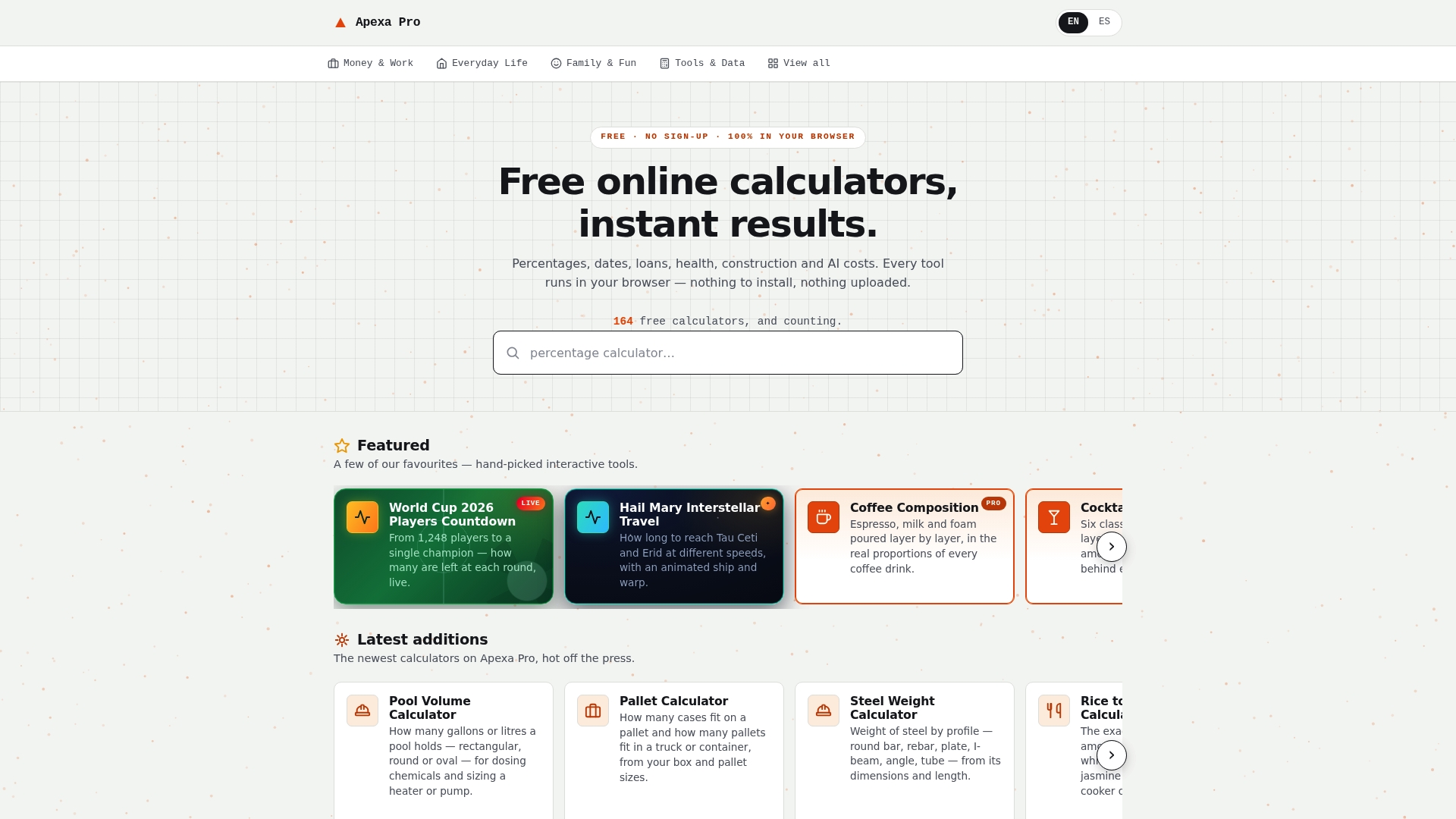
Every tool in the Apexapro catalog, including its holiday timers, loads in seconds on any device and supports visual customization, event labeling, and time zone settings. There is no paywall, no email gate, and no download. For anyone who wants a shareable festive countdown widget without the friction of a dedicated app, it is a direct, practical option.
Key Takeaways
Holiday countdown timers turn abstract future dates into visible, shared anticipation tools that help individuals and groups plan and stay excited about upcoming events.
| Point | Details |
|---|---|
| Core function | Countdown timers display live time remaining to any holiday or event, updated every second. |
| Time zone management | Lock timers to the event's time zone to prevent confusion among viewers in different regions. |
| Mobile vs. browser | Native widgets offer passive home-screen monitoring; browser timers may drift when tabs go inactive. |
| Sharing and embedding | Shareable links and iframe codes work across group chats, newsletters, blogs, and classroom pages. |
| Apexapro option | Apexapro provides free, no-signup, bilingual browser-based seasonal countdown timers with visual customization. |