What are the best loan calculators available online?

The strongest free loan calculators right now are Bankrate, Calculator.net, and Finaid, each widely recommended for versatility, accuracy, and detailed amortization output. They cover the loan types most Americans actually deal with: personal loans, auto loans, mortgages, and student loans. All three are free, require no sign-up, and run entirely in the browser.
Here is what sets the top options apart:
- Bankrate offers nine auto loan calculators alone, plus mortgage, student loan, and general installment loan tools, all with expandable amortization schedules and an extra-payments feature.
- Calculator.net handles amortized loans, deferred payment loans, and bond calculations, making it one of the more technically complete free tools available.
- Finaid specializes in student loan payment estimates and salary-based affordability, calculating the annual income needed to manage a given debt load without financial strain.
- All three accept the three core inputs every loan calculation requires: loan amount, loan term, and annual interest rate.
- Finaid and Bankrate both display total interest paid alongside monthly payment figures, giving you the full cost picture at a glance.
For most people, Bankrate works best as a general-purpose starting point. Finaid is the clearest choice for student loan planning. Calculator.net earns its place when you need to model less common loan structures.
Table of Contents
- How to use a loan calculator effectively
- What loan types do the top calculators support?
- How to read and interpret your loan calculator results
- Tips for getting the most accurate results from any loan calculator
- Common questions and misconceptions about loan calculators
- Apexapro gives you free loan calculators with no sign-up required
- Key Takeaways
How to use a loan calculator effectively
Getting accurate results from any online loan payment calculator comes down to entering the right numbers in the right format. A small input error, like entering an interest rate as a decimal instead of a percentage, can throw off every figure the tool produces.
Step-by-step process:
- Enter the loan amount. Use the total principal you plan to borrow, not the purchase price of an asset. For a car priced at $30,000 with a $5,000 down payment, enter $25,000.
- Set the loan term. Most calculators accept years or months. A 5-year auto loan is 60 months. Choosing a longer term lowers monthly payments but raises total interest paid.
- Input the interest rate. Enter the annual percentage rate (APR) as a percentage, for example, 7.5, not 0.075. The rate you enter should match your actual credit profile or a lender quote, not a generic advertised rate.
- Adjust payment frequency if available. Some calculators let you switch between monthly and biweekly payments. Biweekly schedules result in one extra full payment per year, which reduces total interest.
- Add extra payments. If you plan to pay more than the minimum each month, enter that amount in the extra-payment field. This shows you exactly how much interest you save and how many months you cut from the loan.
- Include fees and closing costs. For mortgages and auto loans especially, add origination fees or closing costs to the loan amount if they are being financed, so the estimate reflects your real monthly obligation.
Key input tips:
- Verify your interest rate against your credit score range before entering it. Rates vary widely by credit tier, and using a rate that does not match your profile produces estimates that will not match lender offers.
- Read the input field labels carefully. Some calculators label the rate field "annual" while others expect a monthly rate.
- Always check whether the calculator is computing simple interest or amortized payments, since the two methods produce different monthly figures.
Pro Tip: Run the same loan scenario in two different calculators to cross-check results. If the monthly payment figures differ by more than a few cents, check whether one tool is using a 360-day year versus a 365-day year in its interest calculation.

What loan types do the top calculators support?
The best online loan tools cover five main loan categories, and each one uses a slightly different calculation method under the hood.
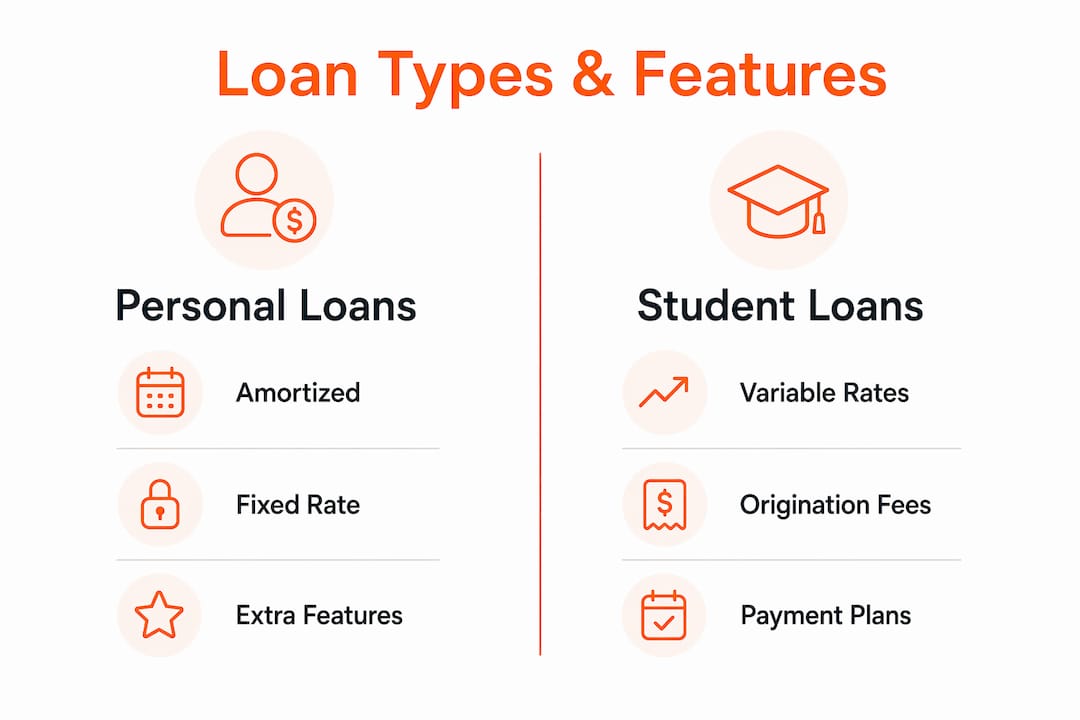
- Personal loans use standard amortization: fixed monthly payments over a set term, with interest front-loaded in early payments.
- Auto loans follow the same amortized structure, but specialized calculators add features like lease vs. buy comparisons, rebate vs. low-interest comparisons, and negative equity modeling. The car loan calculator from Kamocars, for example, pairs amortized payment math with a full schedule breakdown specifically for vehicle financing.
- Mortgages involve the most complex inputs: property taxes, homeowner's insurance, private mortgage insurance, and adjustable-rate scenarios. Mortgage-specific tools like those at Platinum Capital Advisors handle these layered inputs and let you compare fixed versus adjustable rate structures side by side.
- Student loans often include deferred payment periods, where interest accrues but no payments are due. Finaid's calculator handles both subsidized and unsubsidized federal loans, as well as most private student loans.
- Refinance loans require a break-even calculation: how many months of lower payments does it take to recover the closing costs of refinancing? Several mortgage calculators include a dedicated refinance break-even tool.
| Loan type | Calculation method | Extra features to look for |
|---|---|---|
| Personal | Amortized, fixed rate | Extra payment modeling |
| Auto | Amortized, fixed rate | Lease vs. buy, rebate comparison |
| Mortgage | Amortized, fixed or variable | Tax/insurance inputs, PMI |
| Student | Amortized or deferred | Salary affordability estimate |
| Refinance | Break-even analysis | Closing cost input |
Fixed-rate loans are straightforward to model because the payment never changes. Variable-rate loans are trickier: most calculators let you enter a starting rate and a rate cap, then show a range of possible payment outcomes rather than a single figure.
How to read and interpret your loan calculator results
An amortization schedule is the most useful output a loan calculator produces, and most people skip it entirely. Every row in that schedule shows one month of your loan: how much of your payment goes to interest, how much reduces the principal, and what your remaining balance is after that payment.
Early in a loan, the interest portion dominates. On a $20,000 personal loan at 8% over 5 years, the first payment might apply roughly two-thirds of the payment amount to interest. By the final year, that ratio flips, and most of each payment goes directly to principal. This is standard amortization behavior, and understanding it helps you see why paying extra early in a loan term saves far more interest than paying extra near the end.
| Loan amount | Rate | Term | Monthly payment | Total interest paid |
|---|---|---|---|---|
| $15,000 | 6% | 3 years | — | — |
| $15,000 | 6% | 5 years | — | — |
| $15,000 | 10% | 5 years | — | — |
The table above illustrates two key levers: term length and interest rate. Stretching a $15,000 loan from 3 years to 5 years at the same rate nearly doubles total interest paid, even though the monthly payment drops. Raising the rate from 6% to 10% on the 5-year version adds another $1,722 in interest over the life of the loan.
Extra payments reduce the principal balance directly, which cuts the interest charged in every subsequent month. Even $50 extra per month on a 5-year loan can shave months off the payoff date and reduce total interest noticeably.
Watch for these common interpretation mistakes:
- Confusing APR with the nominal interest rate. APR includes fees; the nominal rate does not. Enter APR for the most accurate total cost estimate.
- Assuming the calculator's monthly payment includes taxes and insurance. For mortgages, it usually does not unless you add those fields manually.
- Treating the calculator output as a lender commitment. Results are estimates; actual loan terms depend on your credit profile and the lender's underwriting.
Tips for getting the most accurate results from any loan calculator
Accuracy in, accuracy out. The single biggest source of error in loan calculations is an interest rate that does not reflect the borrower's actual credit profile.
- Use your real rate, not the advertised rate. Lenders advertise their best rates, which go to borrowers with the highest credit scores. If your score is in the mid-600s, your actual rate will be higher. Use a rate from a lender pre-qualification or a rate range matched to your credit tier.
- Include all fees. Ignoring fees understates both monthly and total cost, especially for mortgages with origination fees, discount points, and title costs. Add financed fees to the loan amount field.
- Update your calculations when conditions change. If rates shift or your credit score improves between when you first ran the numbers and when you apply, rerun the calculation. A one-point rate improvement on a $300,000 mortgage changes the monthly payment and total interest by thousands of dollars.
- Cross-check with a second calculator. Different tools use slightly different rounding methods or day-count conventions. Running the same inputs through two calculators confirms whether the output is consistent.
- Use visual amortization schedules for planning. Calculators that display a chart of principal versus interest over time make it immediately clear when the loan balance drops fastest and when extra payments have the greatest impact.
Pro Tip: Rate marketplaces that use soft credit pulls let you see real lender offers without affecting your credit score. Plug those actual quoted rates into your calculator for estimates that closely match what you will be offered at closing.
Common questions and misconceptions about loan calculators
A few persistent myths lead borrowers to misuse calculators or misread results. Getting these straight makes the whole process more reliable.
Misconceptions worth correcting:
- "There's a $100k family loan loophole." No such loophole exists. The IRS requires lenders to charge at least the Applicable Federal Rate on loans over $10,000 to avoid taxable imputed interest. Charging zero interest on a large family loan does not make the interest disappear; it makes it a taxable gift.
- "Any calculator result is accurate for my situation." Calculator results are estimates based on the inputs you provide. If your rate, term, or fees differ from what you entered, the output changes accordingly. Always validate results against an actual lender quote.
- "My credit score doesn't affect the calculator." The calculator itself does not check your credit, but the rate you enter should reflect your credit profile. Entering a rate that is too low produces a monthly payment estimate that no lender will actually offer you.
- "Longer loan terms are always better because payments are lower." A lower monthly payment comes at the cost of more total interest paid over the life of the loan, as the table in the previous section shows.
On affordability and salary:
The 28/36 rule is the standard affordability guideline: keep housing costs under 28% and total monthly debt payments under 36% of gross monthly income. For example, with a $70,000 gross salary, the recommended maximum for total monthly debt payments is about $2,100. Running that figure through a loan calculator in reverse, by entering $2,100 as a target payment and solving for loan amount, helps you find the maximum loan size that fits your budget.
Federal student loan origination fees are a frequently overlooked input. According to studentaid.gov, federal Direct Loans carry an origination fee that is deducted from each disbursement, meaning you receive slightly less than the amount you borrow. Entering the gross loan amount without accounting for this fee produces a payment estimate that does not match your actual disbursement.
The FINRED loan calculator from the U.S. Department of Defense Financial Readiness program is a lesser-known but authoritative free tool, particularly useful for service members navigating military-specific loan programs.
Apexapro gives you free loan calculators with no sign-up required
Every calculator discussed in this article requires you to visit a separate site, learn a different interface, and sometimes navigate around ads or paywalls. Apexapro takes a different approach: a single, free, browser-based platform where finance calculators, including mortgage and compound interest tools, sit alongside health, cooking, and education calculators, all accessible instantly with no account required.
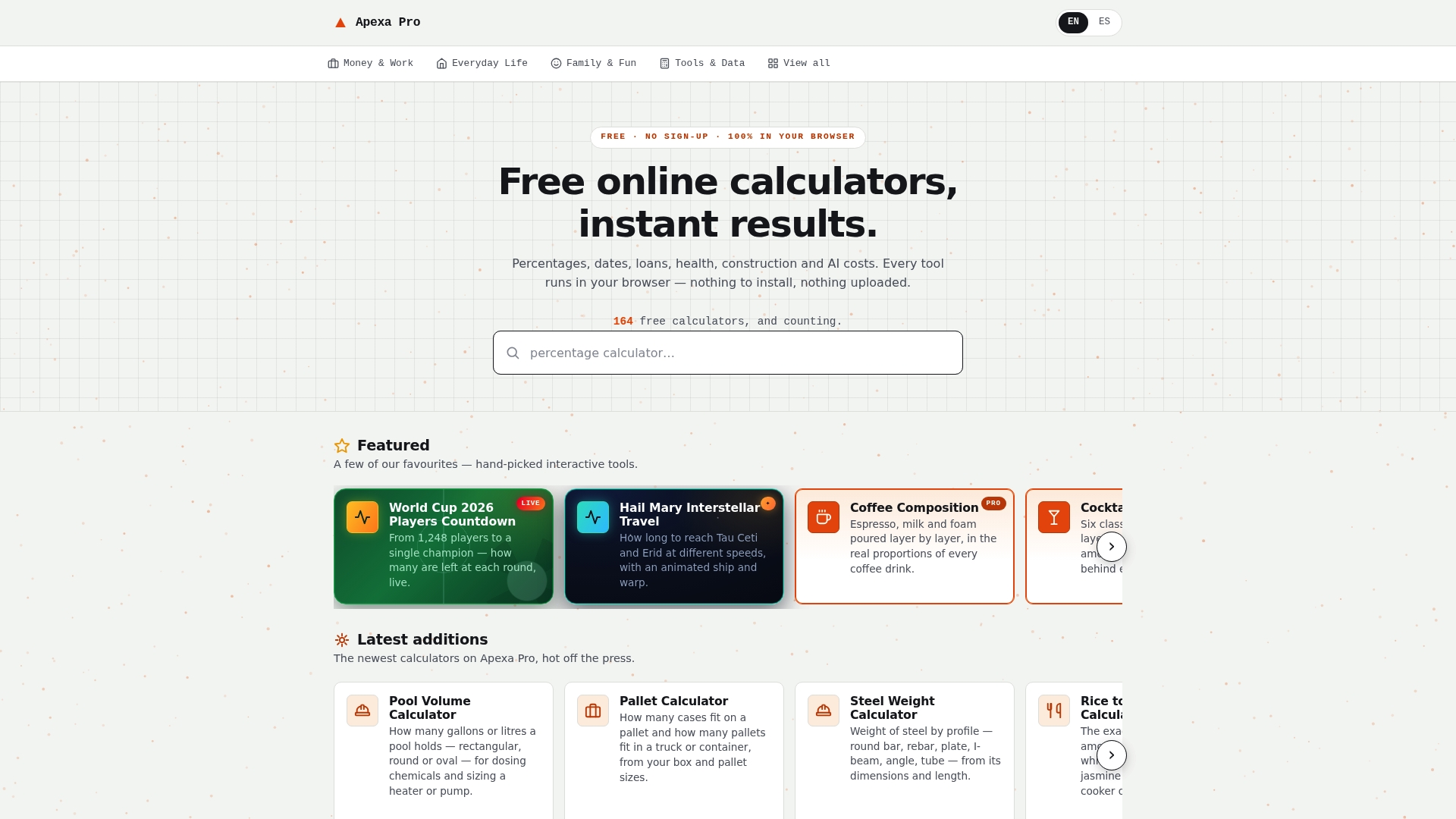
For readers who want to estimate loan payments without switching between multiple tabs or creating accounts, Apexapro's free finance tools cover the core calculations in a clean, bilingual interface. The platform adds new tools based on real search demand, so the catalog stays current with what borrowers are actually looking for. Whether you are modeling a mortgage, a personal loan, or a compound interest scenario, you can run the numbers immediately and share results without any friction. Visit Apexapro to start calculating.
Key Takeaways
The most accurate loan payment estimates come from entering your real interest rate, including all fees, and reading the full amortization schedule rather than just the monthly payment figure.
| Point | Details |
|---|---|
| Use your actual rate | Advertised rates go to top-tier borrowers; enter a rate matched to your credit profile for realistic estimates. |
| Include fees in inputs | Ignoring origination fees and closing costs understates both monthly payments and total loan cost. |
| Read the amortization schedule | Early payments are mostly interest; extra payments made early reduce total interest far more than late extra payments. |
| Apply the 28/36 rule | For a $70,000 gross salary, keep total monthly debt under $2,100 (36% of income) for affordable loan payments. |
| Apexapro for instant access | Apexapro offers free, no-sign-up finance calculators in one browser-based platform, covering mortgages, compound interest, and more. |